
Pkrbet APK Download (Official Latest Version)
Download the newest Pkrbet APK for Android, install it safely and fix the most common install errors. Takes about two minutes.
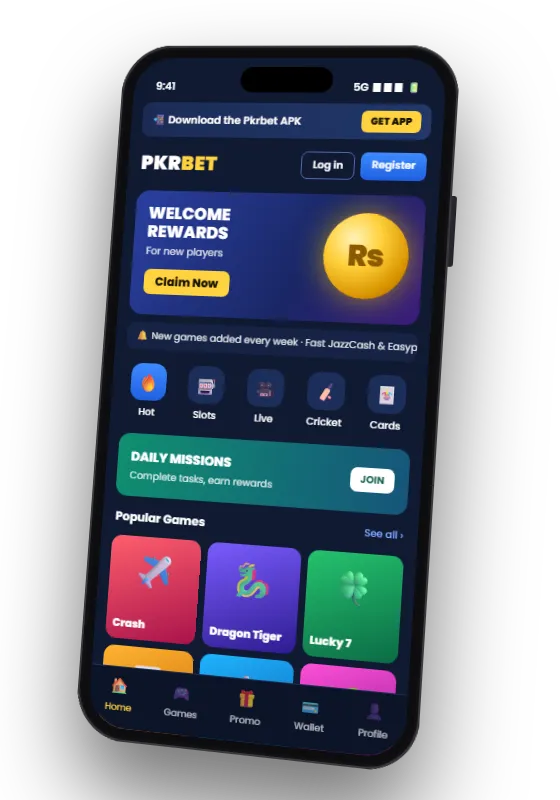

- App Name
- Pkrbet
- Version
- v2.10
- File Size
- 6.71 MB
- Requires
- Android 5.0+
- File Type
- APK
- Rating
- ★ 4.8 / 5
- Price
- Free
- Updated
- Nov 2026
The Pkrbet APK is the Android installer for the Pkrbet gaming app. Because it is not installed through an app store, you download the file and install it yourself. That sounds technical, but it is really just a few taps. This page covers the full process, what to check before installing, and how to update to new versions.
Before You Download
- Your phone runs Android 5.0 or newer.
- You have at least 50 MB of free space for the app and its game data.
- You are on a stable Wi-Fi or mobile data connection.
- You are downloading from the official link on this page, not from a file shared on WhatsApp or Telegram.
How to Download the Pkrbet APK
- Tap Download Pkrbet APK at the top of this page.
- On the official Pkrbet page, tap the APK download button.
- If Chrome warns that “this type of file can harm your device”, tap Download anyway. This warning appears for every APK file.
- Wait until the download completes (about 6.71 MB).
How to Install Pkrbet on Android
- Open the downloaded file from your notification bar or Files > Downloads.
- Android will ask for permission. Tap Settings and turn on Allow from this source.
- Go back and tap Install.
- When it finishes, tap Open.
- Register a new account or log in with your existing one.
Once Pkrbet is installed, you can switch the “unknown sources” permission back off for extra safety. The app will keep working.
Fixing Common Install Problems
| Problem | What to do |
|---|---|
| “App not installed” | Uninstall any older Pkrbet version first, free up storage, then install again. |
| “There was a problem parsing the package” | The download was incomplete. Delete the file and download it again on a stable connection. |
| Install button is greyed out | Close any screen overlay apps (bubble chats, screen filters) and try again. |
| Play Protect warning | This appears for apps installed outside the Play Store. Only continue if you downloaded from the official link. |
| App closes on launch | Restart your phone, check your Android version is 5.0+, and clear the app’s cache. |
How to Update Pkrbet to the Latest Version
When a new version comes out, the app usually shows an update notice. If it doesn’t, come back to this page, download the latest APK and install it over the old one. Your account, balance and history are saved on Pkrbet’s servers, so updating does not delete anything.
Version History
| Version | Notes |
|---|---|
| v2.10 (latest) | Current release, 6.71 MB, Android 5.0+ |
| v1.0 | Original release |
Pkrbet APK Download FAQs
Installing an APK is safe as long as the file comes from the official source. Avoid copies shared on social media or third-party mirror sites, since they can be modified.
Google Play limits real-money gaming apps in many countries, so apps like Pkrbet are usually offered as a direct APK download instead.
No. Your account and balance are stored online. Installing a new APK over the old one keeps everything in place.
There is no Windows version, but you can run the APK on a PC with an Android emulator, or use the Pkrbet website in your browser.
Get the Latest Pkrbet APK
Version v2.10 · 6.71 MB · Android 5.0+. New here? Read our complete Pkrbet guide first.